LineClean
Find and remove unused line styles and patterns.
Instant download after checkout. All sales final. Digital products are non-refundable.
Doesn't work as described? Email hayder [at] hayderalbeer [dot] com and I'll fix it or send a replacement. No refund needed, just a working tool.
Version 1.0 · Prepared 2026-07
Demo
What it does
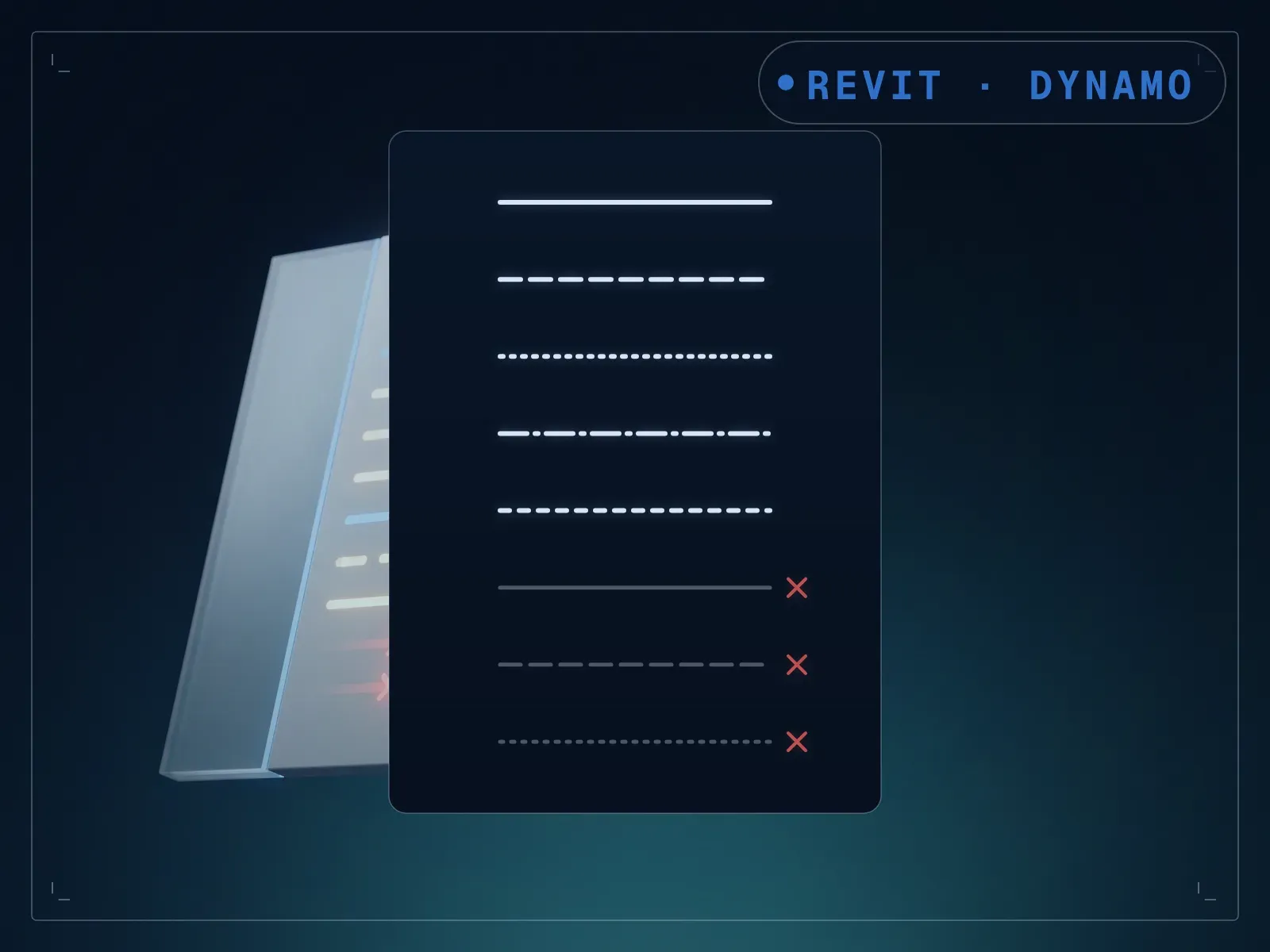
Redundant line styles and patterns clutter a Revit model over a project's life, and nobody audits which ones are actually still in use. LineClean inspects a model's line styles and line patterns, flags the ones nothing is using, and removes them, with an inspect-first option so you see the list before anything is deleted. Run it against your open model, review the flagged list, then confirm the cleanup. A task nobody gets around to becomes a five-minute review instead of an open-ended audit, and any style or pattern still in use is left alone either way.
What is included
- LineClean.dyn — one build per Revit version, 2020-2024, in a folder each
- README.md — parameter list, requirements and licence terms
How it works
- 01
Open the model in Revit and launch Dynamo Player from the Manage tab.
- 02
Select the LineClean graph and run the inspect pass.
- 03
Review the flagged line styles and patterns.
- 04
Confirm the cleanup to remove them.
Parameters
The sliders and inputs the tool exposes.
Questions about this product
Will it delete a style I'm still using somewhere?
No. It only flags styles and patterns with zero references in the model. In-use styles are left alone.
Do I need to know Dynamo?
No. It runs from Dynamo Player: review the inspect list, then confirm the cleanup.