AI Team for BIM Managers
An agent team for standards, audits, and content.
Instant download after checkout. All sales final. Digital products are non-refundable.
Version 1.0 · Prepared 2026-07
What it does
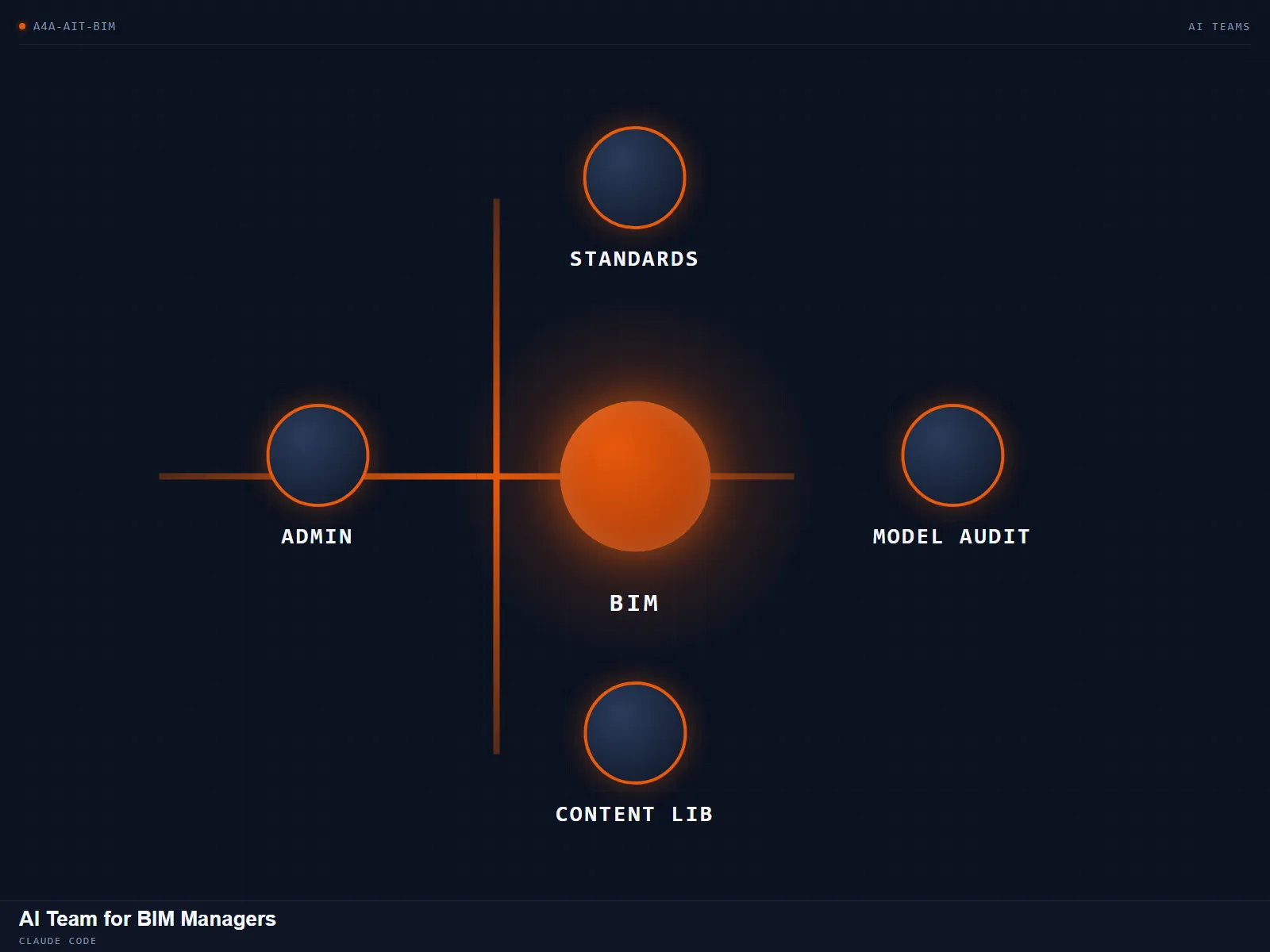
Holding the standard, auditing models against it, and keeping a content library in order is a full job on its own, and it's usually squeezed between everything else a BIM manager does. AI Team for BIM Managers gives that work an orchestrator and four dedicated roles: standards keeper, model auditor, content librarian, and project admin, with memory that carries your standards forward from project to project instead of resetting each time. Load your standards into the team's memory once, then dispatch audits, content questions, or admin work to the role built for it. Every role from then on works against the standard you set, so re-explaining your office's rules on every new project stops being necessary, and every action still waits for your approval before it goes external.
What is included
- Orchestrator charter for the BIM team
- Four roles: standards keeper, model auditor, content librarian, project admin
- Persistent standards memory across projects
- Weekly refresh routine
- Approval gate before any external action
- Step-by-step setup walkthrough
How it works
- 01
Download the folder and drop it into your Claude Code project.
- 02
Run the setup walkthrough to configure the orchestrator and four roles.
- 03
Load your office standards into the team's memory once.
- 04
Dispatch audits, content-library questions, or admin work to the matching role.
- 05
Approve before anything the team does leaves the project.
Questions about this product
Can it hold our office standards?
Yes. You load your standards once into the team's memory, and every role works against them from then on.
Do I need a Claude subscription?
Yes. It runs inside Claude Code on your own Claude access.
Related tools
Sheets Bundle
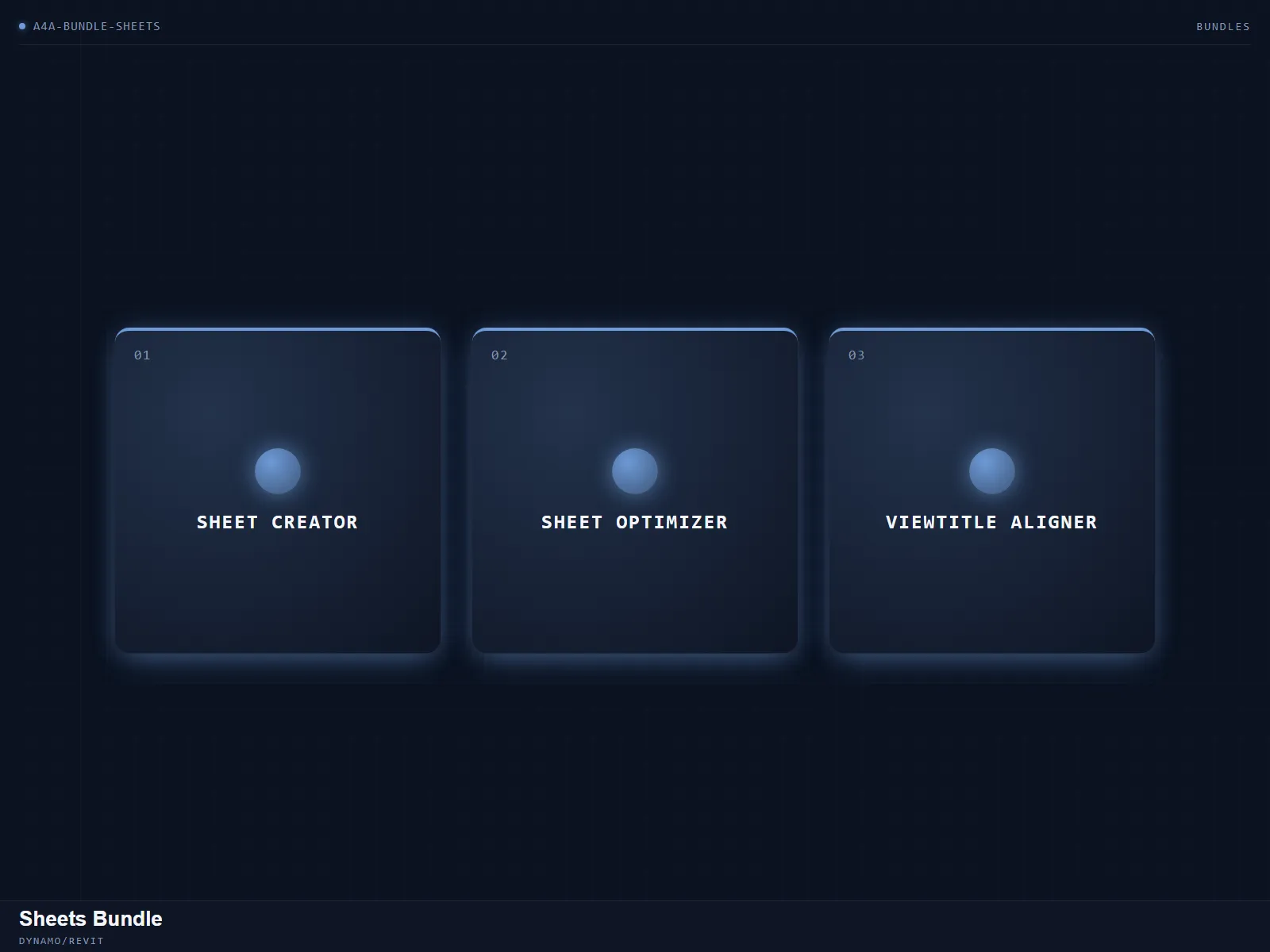
Create, clean, and align a full sheet set.
RevitBackup Cleaner
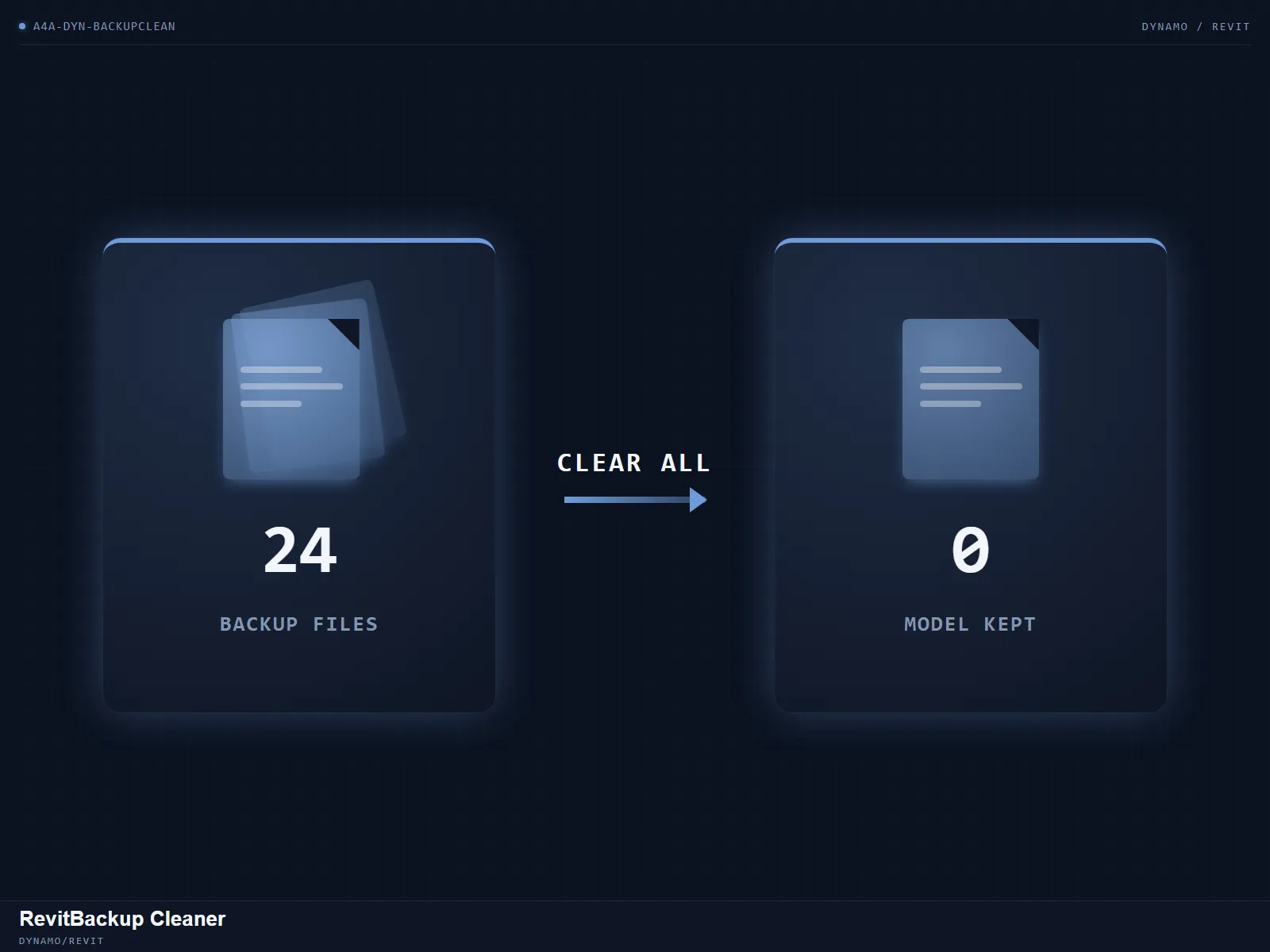
Clear out Revit's auto-generated backup files from a folder.
CoordinationView Navisworks Exporter
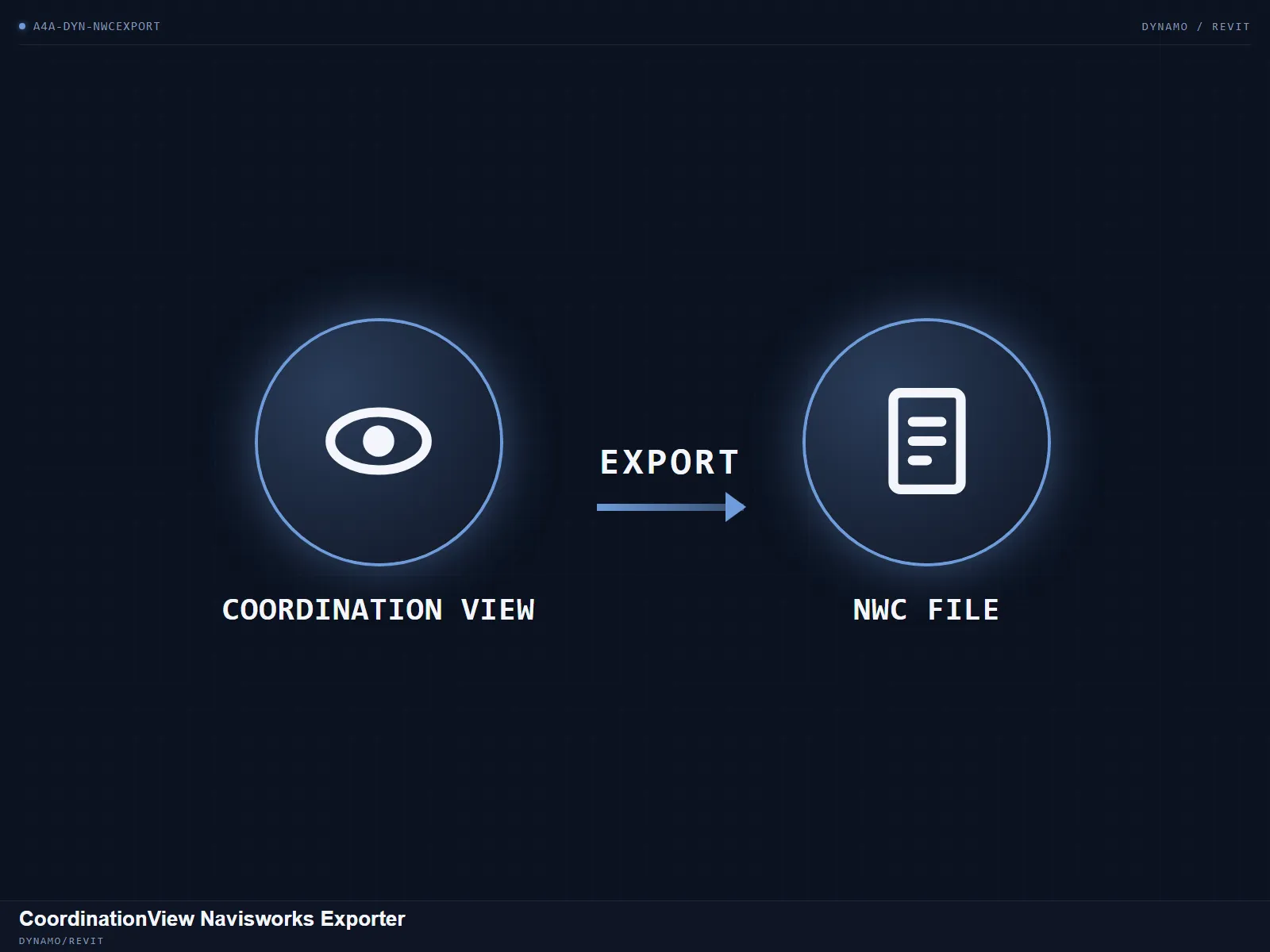
Batch-export coordination views to NWC files for Navisworks.