CoordinationView Navisworks Exporter
Batch-export coordination views to NWC files for Navisworks.
Instant download after checkout. All sales final. Digital products are non-refundable.
Doesn't work as described? Email hayder [at] hayderalbeer [dot] com and I'll fix it or send a replacement. No refund needed, just a working tool.
Version 1.0 · Prepared 2026-07
Demo
What it does
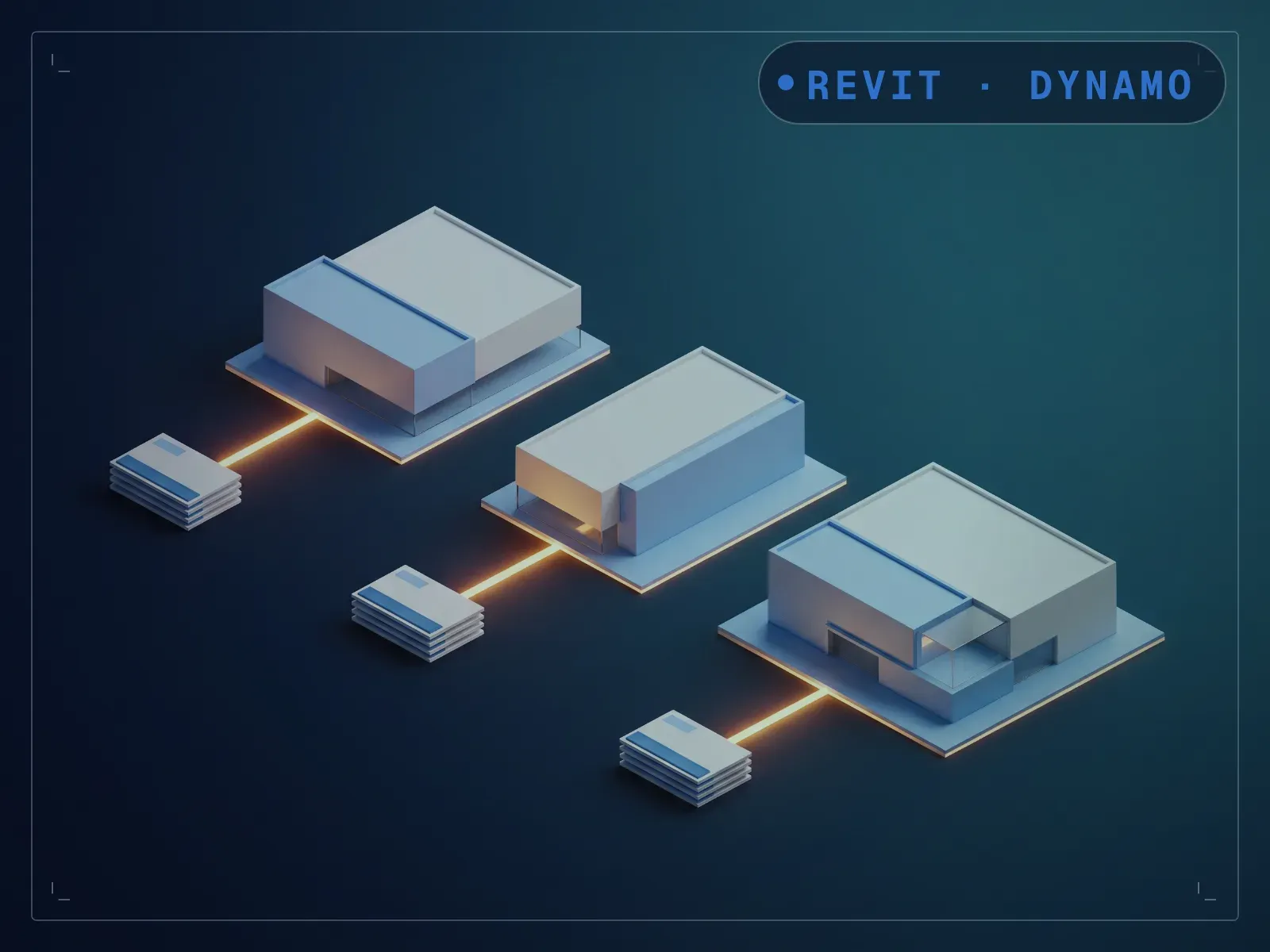
Exporting to NWC through Revit's own dialog means re-entering the scope and coordinate system by hand for every file. CoordinationView Navisworks Exporter runs on Revit's native Navisworks export API and writes an NWC per model across a whole folder in one pass. The export scope (model or view), coordinate system (shared or internal), and the source and destination folders are set on the Dynamo canvas rather than exposed as Dynamo Player fields, so you open the graph once to point it at your folders and pick your options, then run the batch. A stack of exports you'd otherwise click through the same dialog for, one file at a time, becomes a single run, calling the same free Navisworks Exporter for Revit component behind File > Export > NWC, so no standalone Navisworks license is required.
What is included
- CoordinationView Navisworks Export.dyn — the graph itself
- README.md — parameter list, requirements and licence terms
How it works
- 01
Open the graph in Dynamo once and set the export scope, coordinate system, and source and destination folders on the canvas.
- 02
Run it (from Dynamo, or from Dynamo Player once the canvas defaults are in place) to export an NWC for every model in the folder.
Parameters
The sliders and inputs the tool exposes.
Questions about this product
Does this need anything beyond Revit and Dynamo?
It calls Revit's own Navisworks export API, the same one behind File > Export > NWC, so it needs the free Navisworks Exporter for Revit component installed. Most AEC Collection installs already include it; no standalone Navisworks license is required to run the export.
Do I need to know Dynamo?
A little, once. The export options and folders live on the Dynamo canvas rather than as Dynamo Player inputs, so you open the graph a single time to point it at your source and destination folders and pick scope and coordinates. After that it runs the batch the same way each time.