SheetOptimizer
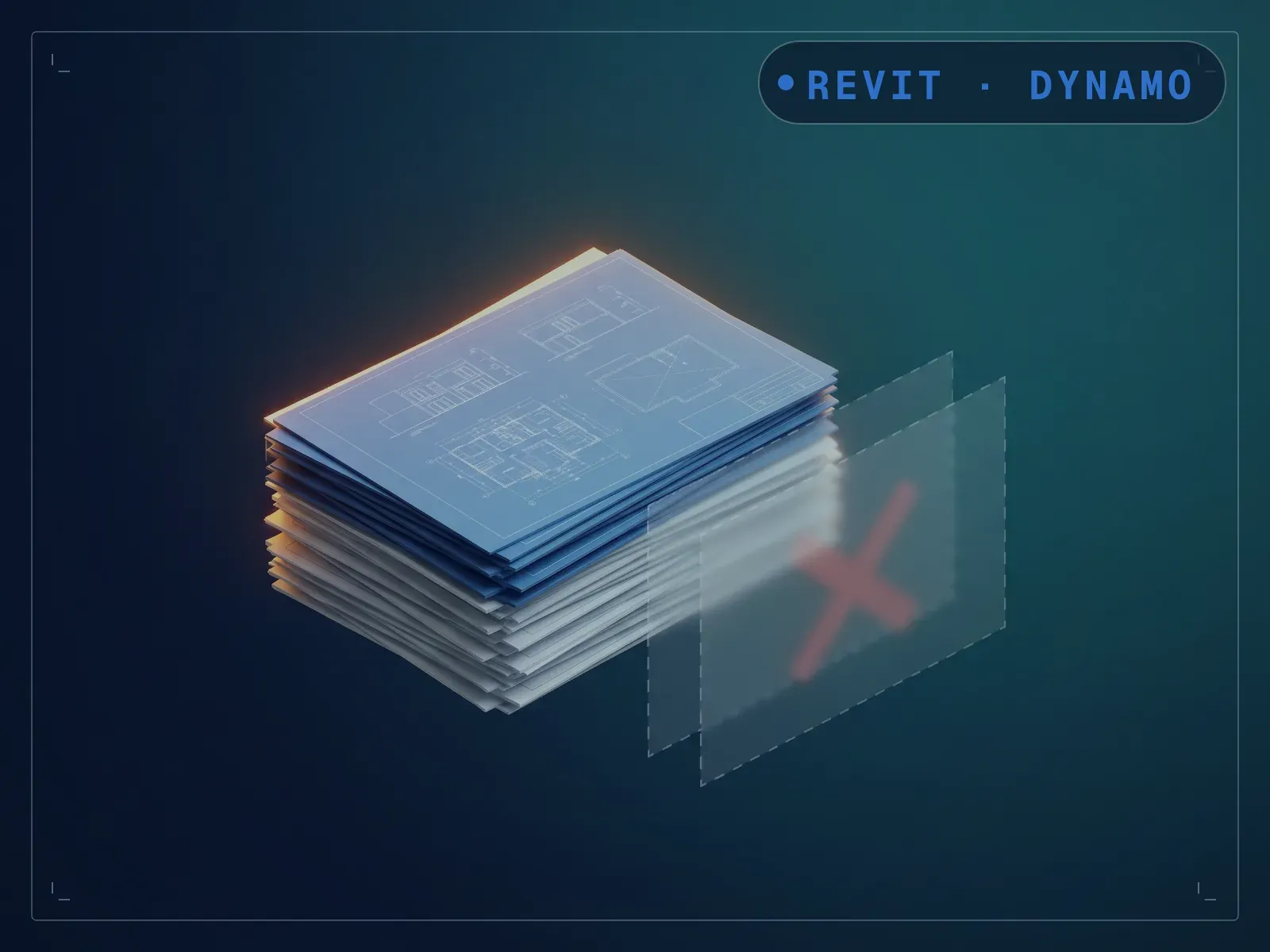
Find and delete empty, unused, or unnamed sheets before you issue.
Instant download after checkout. All sales final. Digital products are non-refundable.
Doesn't work as described? Email hayder [at] hayderalbeer [dot] com and I'll fix it or send a replacement. No refund needed, just a working tool.
Version 1.0 · Prepared 2026-07
Demo
What it does
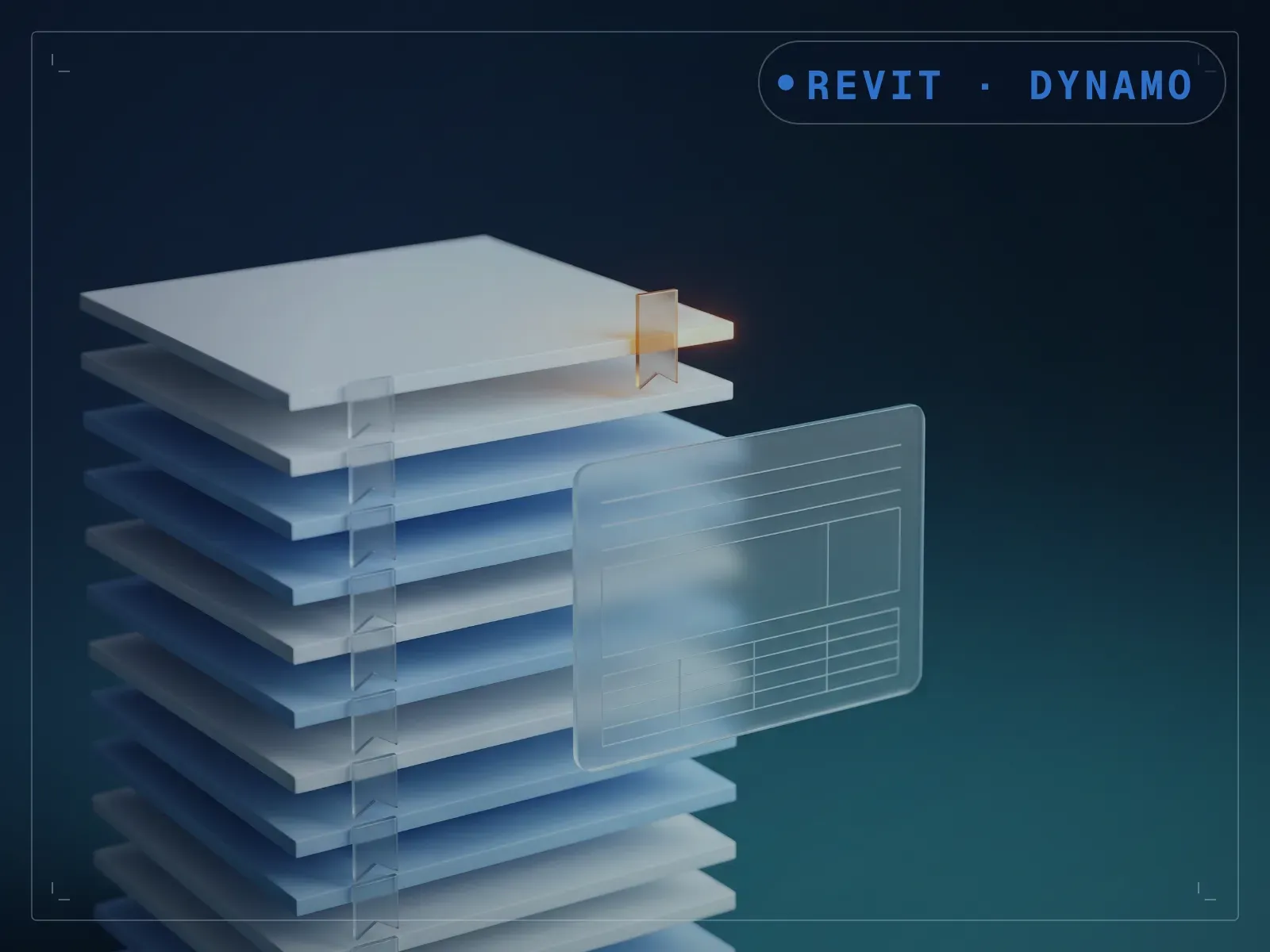
Sheets left over from a template or an abandoned setup step sit empty in a set, and nobody notices until you're issuing and counting sheets that shouldn't be there. SheetOptimizer lists sheets with nothing placed on them, unused placeholders and blanks left behind from setup, with a preview toggle that keeps the delete step deliberate. Run the preview first, review the list, then flip the toggle to delete. Clearing dead sheets before a set goes out becomes a two-step review instead of a manual scroll through every sheet in the project browser.
What is included
- SheetOptimizer.dyn — one build per Revit version, 2020-2024, in a folder each
- README.md — parameter list, requirements and licence terms
How it works
- 01
Launch Dynamo Player from the Manage tab.
- 02
Select the SheetOptimizer graph and run the preview.
- 03
Review the list of empty and unused sheets.
- 04
Flip the toggle to delete once you've confirmed the list.
Parameters
The sliders and inputs the tool exposes.
Questions about this product
What counts as an empty sheet?
A sheet with no views, schedules, or legends placed on it, the kind left over from a template or an abandoned setup step.
Do I need to know Dynamo?
No, for day-to-day use. It runs from Dynamo Player: run the preview first, then flip the toggle to delete. Note: the 2022-2024 builds are fully native; the 2020 and 2021 builds need the free archi-lab.net package installed once from Dynamo's Package Manager.