GridCreator
Generate a full grid set from a count and an offset.
Instant download after checkout. All sales final. Digital products are non-refundable.
Doesn't work as described? Email hayder [at] hayderalbeer [dot] com and I'll fix it or send a replacement. No refund needed, just a working tool.
Version 1.0 · Prepared 2026-07
Demo
What it does
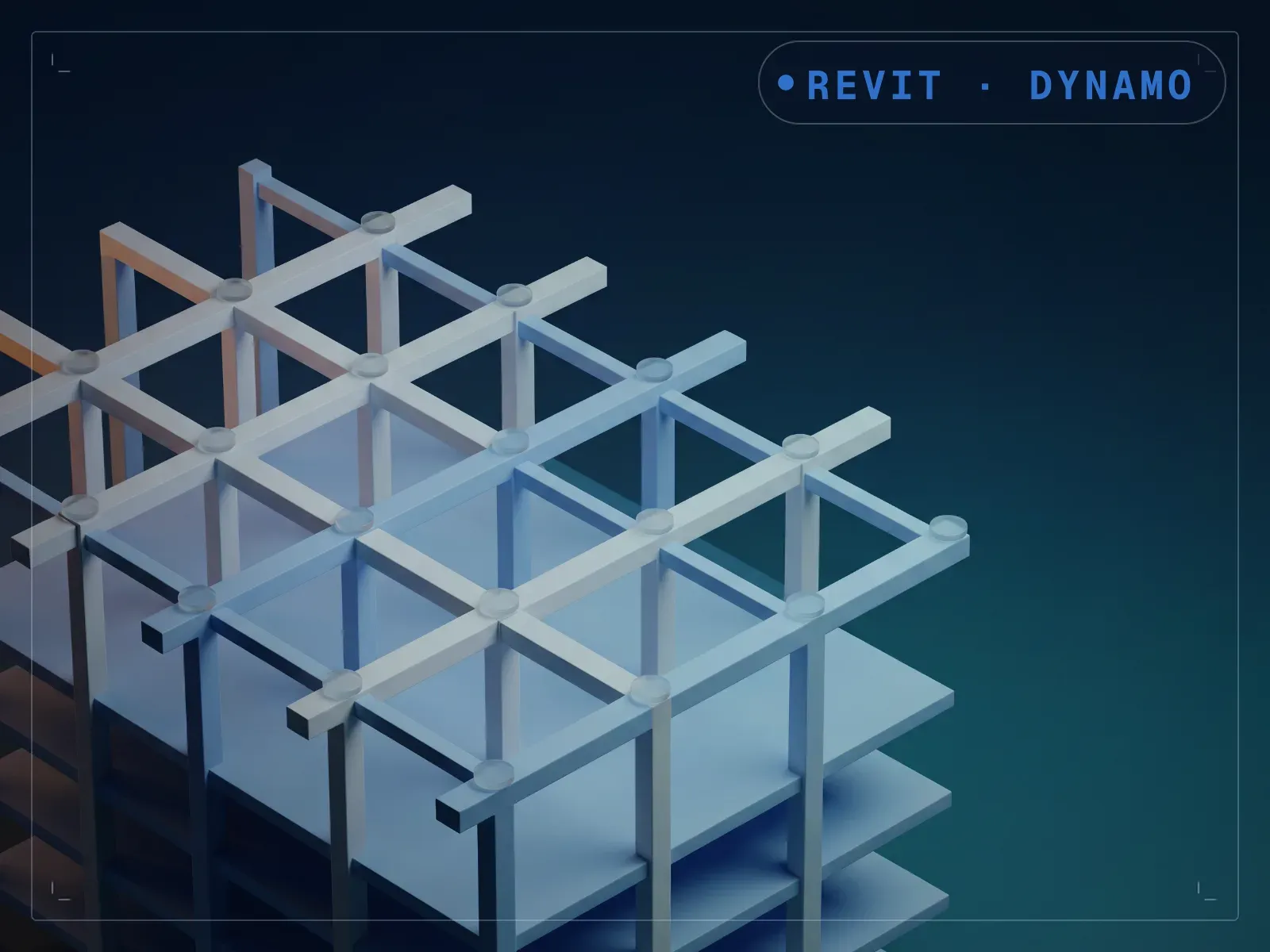
Grid creation shouldn't be the slow part of starting a model. Placing and dimensioning a full set by hand, one line at a time, usually is. GridCreator creates multiple Revit grids in one run from two inputs: how many grids you need and the offset distance between them. Set the count and offset, then run it against the active project. A layout that used to mean placing and dimensioning each line by hand becomes one run with two numbers, though the offset is uniform across the set; for irregular bay spacing, you still adjust individual grids afterward.
What is included
- GridCreator.dyn — one build per Revit version, 2020-2024, in a folder each
- README.md — parameter list, requirements and licence terms
How it works
- 01
Open the project in Revit and launch Dynamo Player from the Manage tab.
- 02
Select the GridCreator graph.
- 03
Set the grid count and offset distance.
- 04
Run it to place the full grid set.
Parameters
The sliders and inputs the tool exposes.
Questions about this product
Can I set different spacing between individual grids?
The base input is a single offset applied uniformly. For irregular bay spacing, adjust individual grids in Revit after the batch run.
Do I need to know Dynamo?
No. It runs from Dynamo Player: set the count and offset, and run.