ViewOptimizer
Find and delete views nobody placed on a sheet.
Instant download after checkout. All sales final. Digital products are non-refundable.
Doesn't work as described? Email hayder [at] hayderalbeer [dot] com and I'll fix it or send a replacement. No refund needed, just a working tool.
Version 1.0 · Prepared 2026-07
Demo
What it does
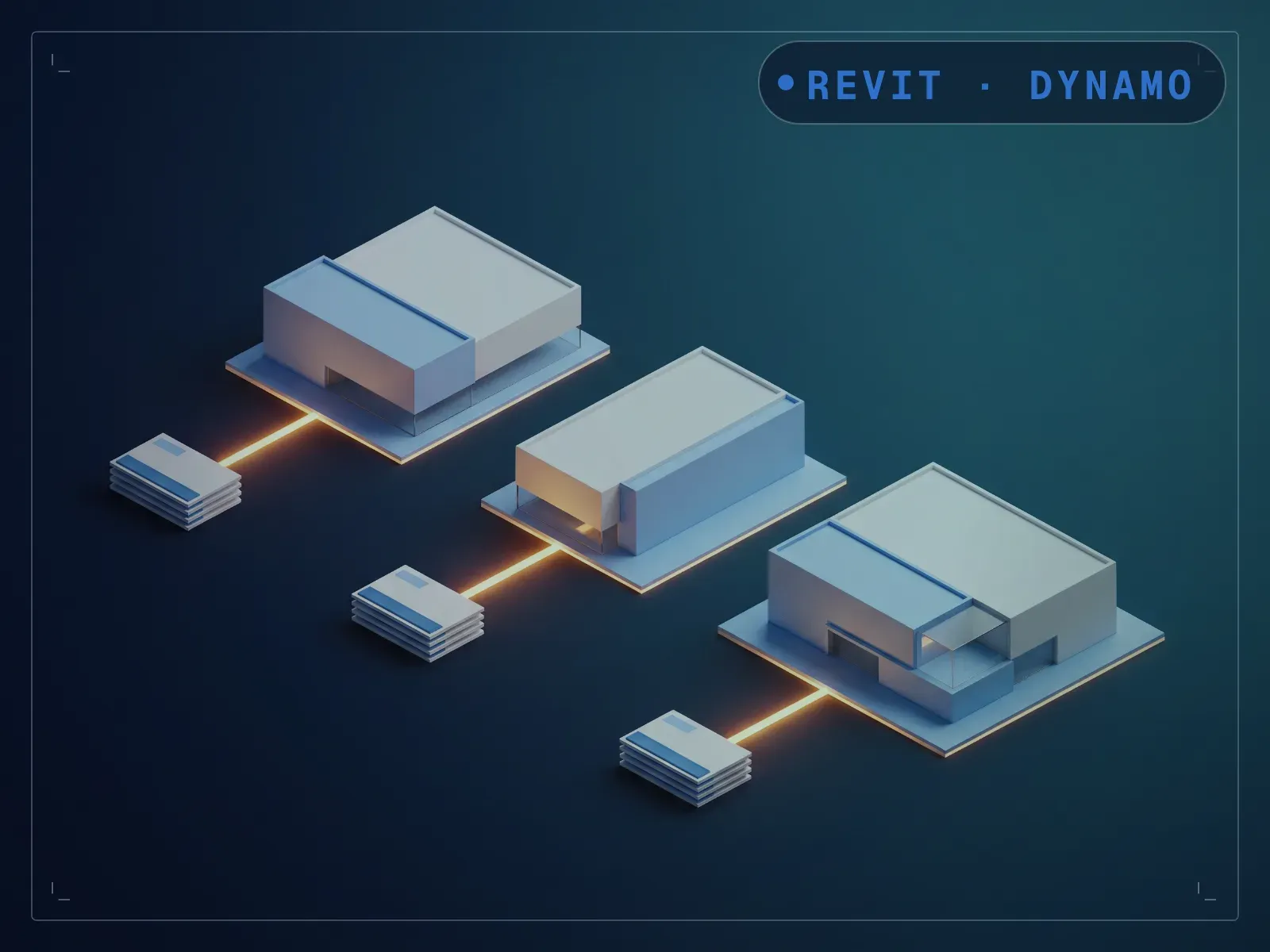
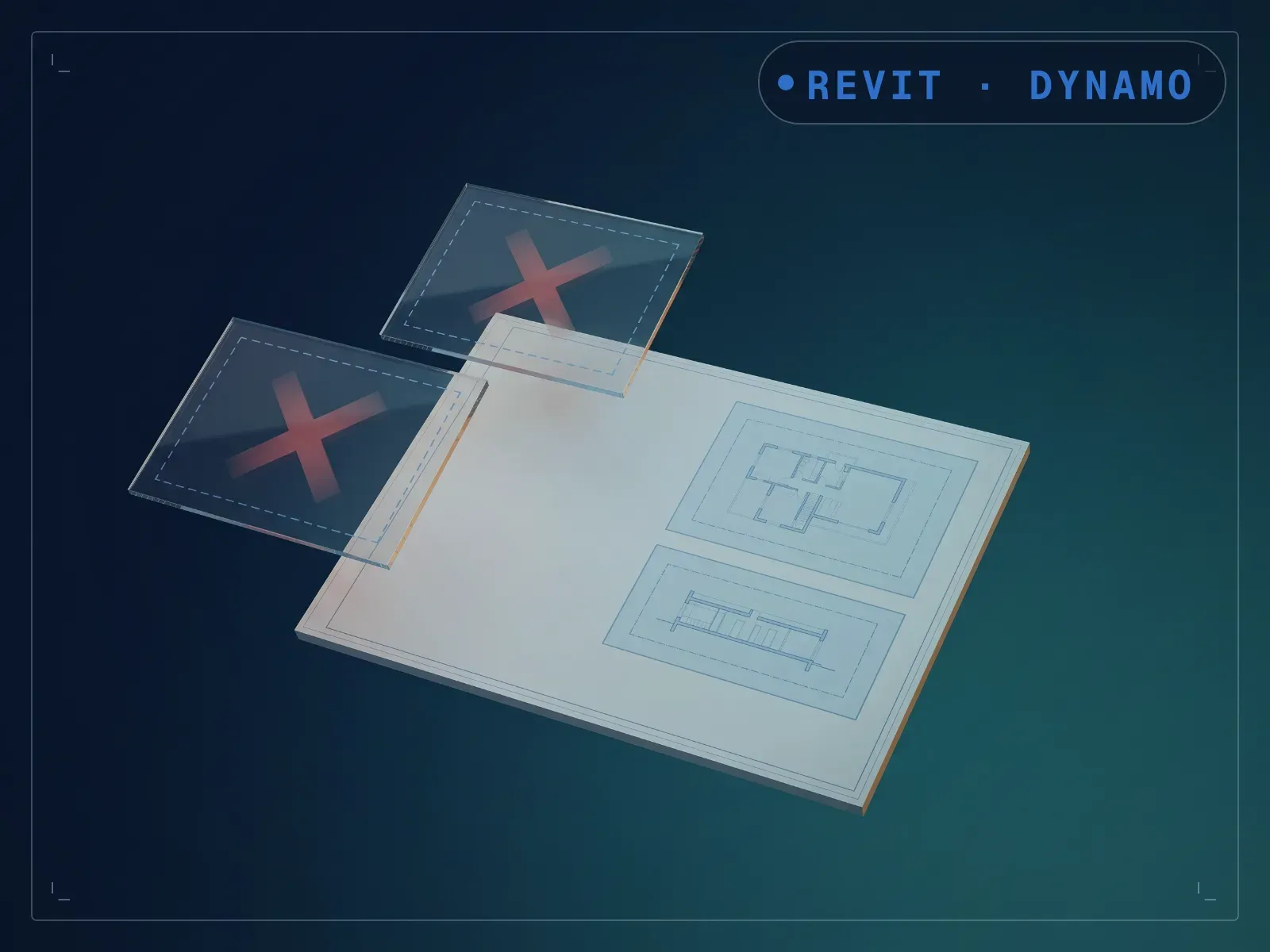
Views nobody placed on a sheet, plus views with nothing modeled in them, accumulate quietly and slow a project down without anyone deleting them. ViewOptimizer lists views, legends, and schedules not placed on any sheet, plus views with no model content, with a preview toggle before anything is removed. Run the preview first, check the list, then flip the toggle to delete. Model clutter that used to require a manual view-by-view check gets cleared with a review-then-confirm pass, though if you're actively working in an unplaced view, check the list before confirming, since it flags every unplaced view without exception.
What is included
- ViewOptimizer.dyn — one build per Revit version, 2020-2024, in a folder each
- README.md — parameter list, requirements and licence terms
How it works
- 01
Launch Dynamo Player from the Manage tab.
- 02
Select the ViewOptimizer graph and run the preview.
- 03
Review the flagged views, legends, and schedules.
- 04
Flip the toggle to delete once you've confirmed the list.
Parameters
The sliders and inputs the tool exposes.
Questions about this product
Will this delete a view I'm still working in?
It only flags views not placed on any sheet. If you're actively using an unplaced working view, check the preview list before confirming the delete.
Do I need to know Dynamo?
No. It runs from Dynamo Player: run the preview first, then flip the toggle to delete.