Viewtitles Aligner
Align every viewport title to the same offset, project-wide.
Instant download after checkout. All sales final. Digital products are non-refundable.
Doesn't work as described? Email hayder [at] hayderalbeer [dot] com and I'll fix it or send a replacement. No refund needed, just a working tool.
Version 1.0 · Prepared 2026-07
Demo
What it does
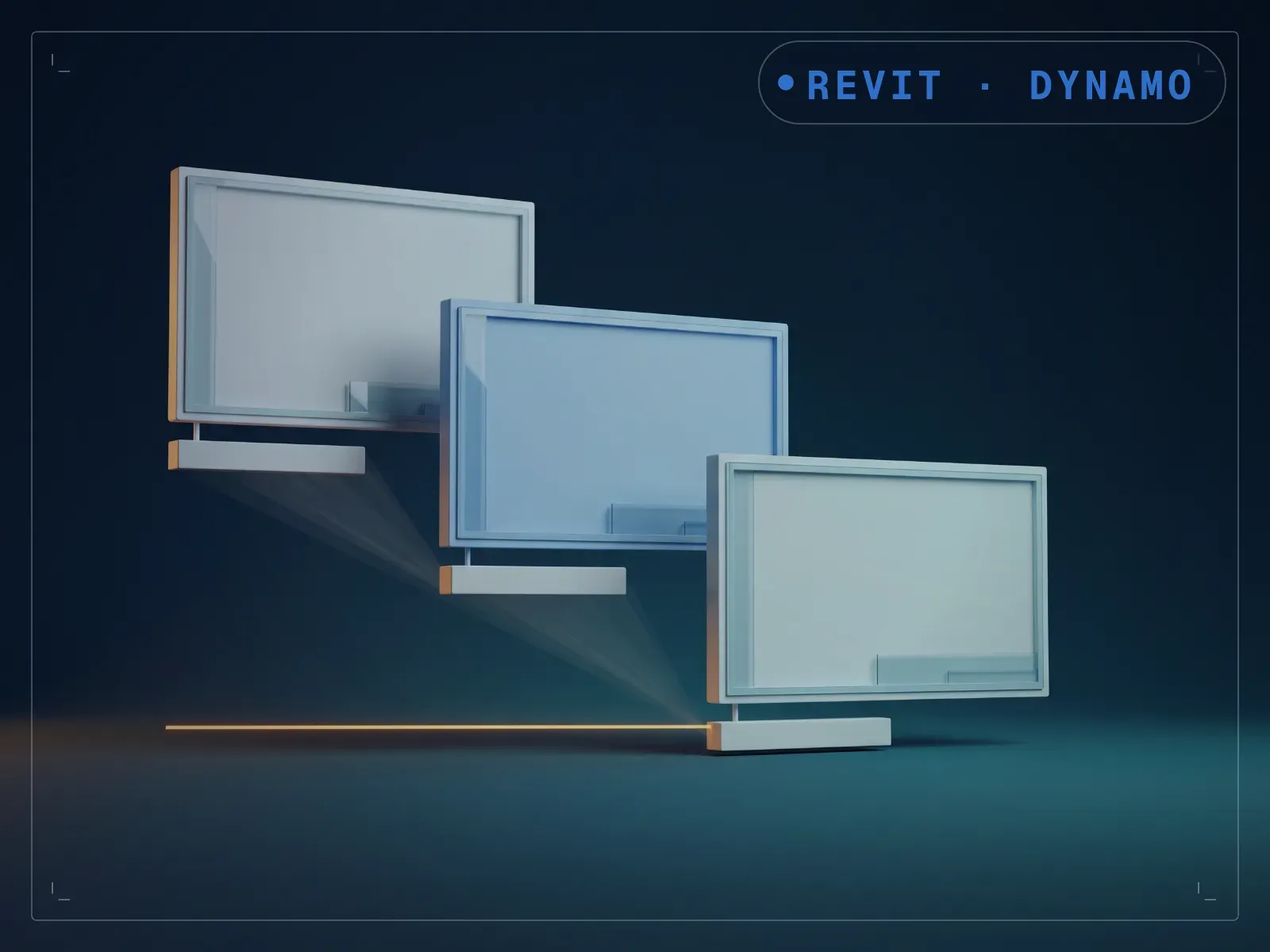
A drawing set with viewport titles nudged by hand, sheet by sheet, reads like a patchwork instead of a consistent set. Viewtitles Aligner resets viewport title placement to a consistent offset, scoped to the current selection, the current sheet, or every viewport on every sheet. Choose your scope and an alignment tolerance in feet, then run it. Titles that used to get manually nudged sheet by sheet land at the same offset project-wide in one run, and it only touches the title and its placement, leaving the viewport crop and view scale untouched.
What is included
- Viewtitles Aligner.dyn — the graph itself
- README.md — parameter list, requirements and licence terms
How it works
- 01
Open the sheet you want to work on, or any sheet if you are running across the whole project.
- 02
Open Viewtitles Aligner.dyn in Dynamo. Both controls sit on the canvas, so this graph is not driven from Dynamo Player.
- 03
Leave the toggle off to realign every sheet in the project, or switch it on to do only the sheet you have open.
- 04
Adjust the row tolerance if viewports that should share a row are being treated as separate ones.
- 05
Run it. Each title is moved to sit just below the lowest viewport in its row, left-aligned to that viewport, with a fixed 6 mm gap.
Parameters
The sliders and inputs the tool exposes.
Questions about this product
Does it change the viewport itself, only the title?
Only the title and its placement offset. The viewport crop and view scale are untouched.
Do I need to know Dynamo?
No. You open the graph in Dynamo and set two things on the canvas — a toggle for active sheet versus the whole project, and the row tolerance — then run. Both controls sit on the canvas rather than in Dynamo Player.