ParkingGenius
Fill a site with parking and count the stalls.
Instant download after checkout. All sales final. Digital products are non-refundable.
Doesn't work as described? Email hayder [at] hayderalbeer [dot] com and I'll fix it or send a replacement. No refund needed, just a working tool.
Version 2.0 · Prepared 2026-07
Screens
-
The layout built as a retail site -
The same site straight down -
961 stalls laid out around eight buildings -
The same site with five buildings and 1169 stalls -
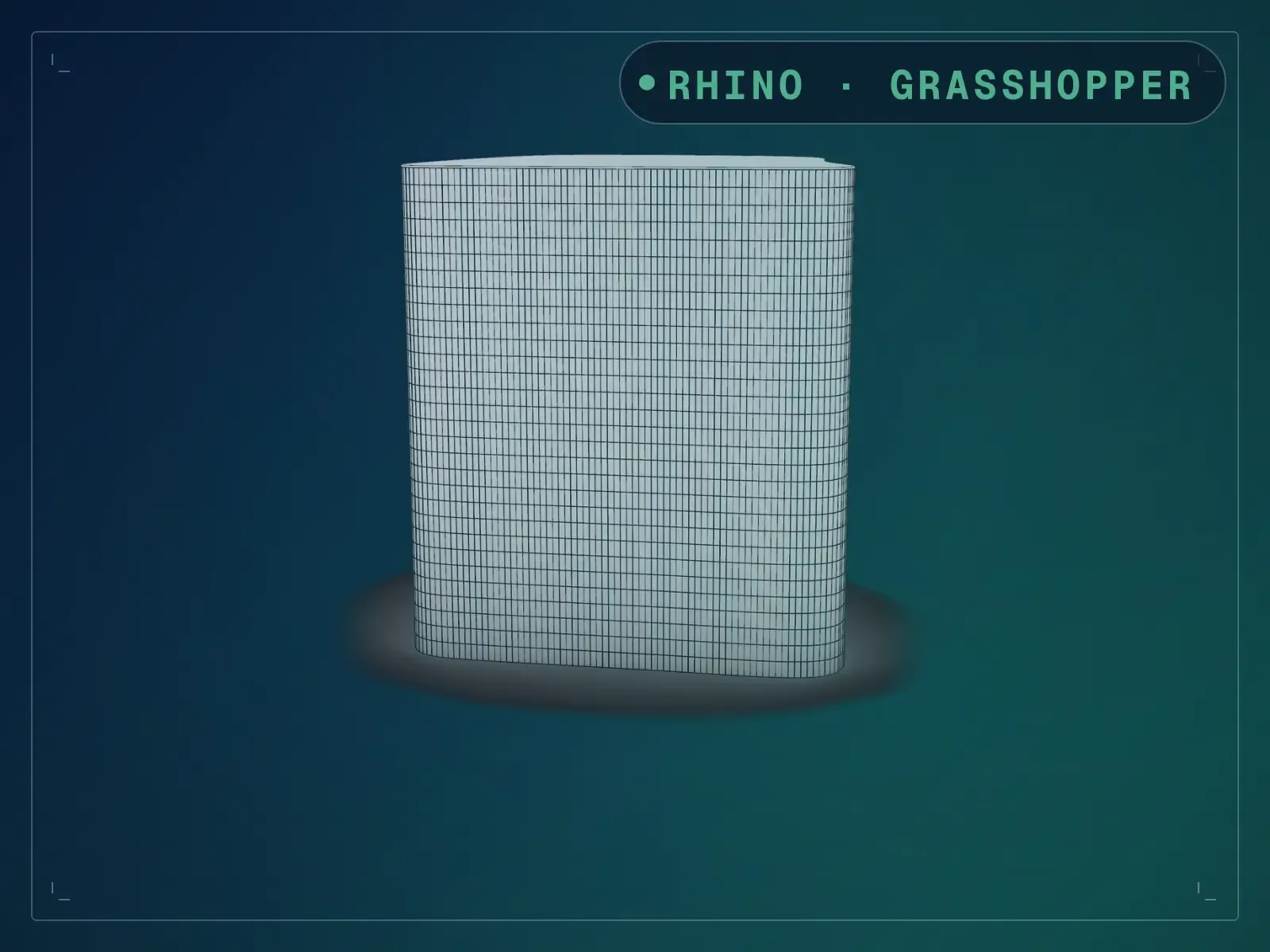
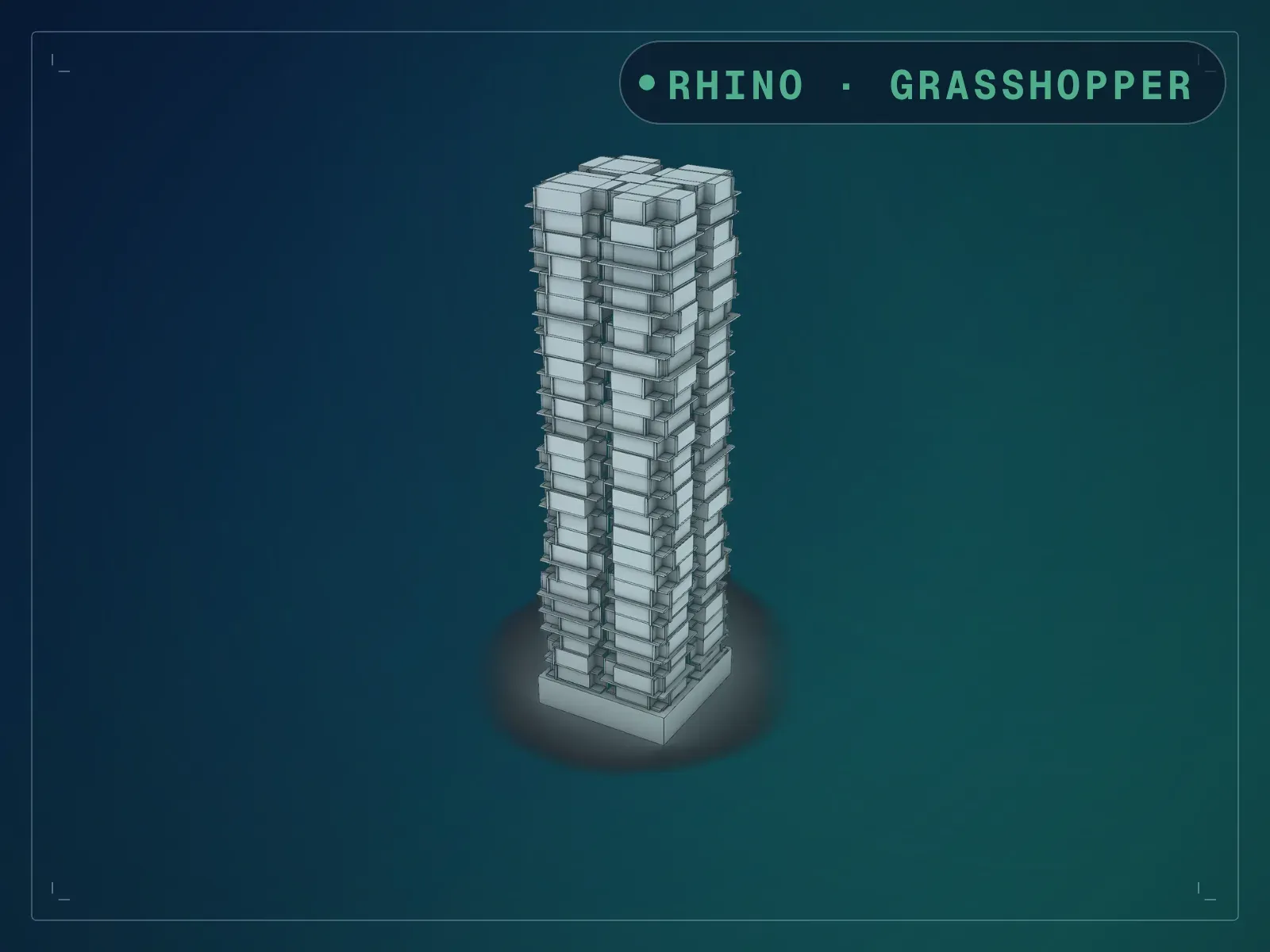
The layout in three dimensions -
The definition and its parking square components
What it does
Set a site size and a building count, and this lays the whole car park out: a perimeter drive with stalls along it, buildings scattered across the site with labels, and bays filling everything left over. Then it tells you how many stalls you got. On the settings it ships with — a 210 by 178 m site with eight buildings — that is 961 stalls across 732 grid runs. Drop to five buildings and reseed and the same site takes 1169. That number is the point: it turns “how many cars fit” from an afternoon of drawing into a slider you move while someone is still talking. A seed reshuffles the building positions so you can try a dozen arrangements against the same brief, and the bay geometry comes from the free Parking Square plugin, which you install once.
What is included
- algorithm 2.0.gh — the definition, 49 objects in nine named groups
- INSTALL-LINKS.md — where to get the free plugin, and how to install it
- README.md — parameter list, requirements and licence terms
How it works
- 01
Install the free Parking Square plugin first — the definition will not solve without it. Install links are in the download.
- 02
Open the .gh and set Site Square Width, Length and Scale Factor for your site.
- 03
Set Number of Buildings and Buildings Size %, then sweep Seed until the arrangement suits.
- 04
Adjust GridDimension and GridAngle to change how the bays run across the site.
- 05
Read the stall count off the Visualize Parking output, and bake the grids and stalls you want to keep.
Parameters
The sliders and inputs the tool exposes.
Questions about this product
What exactly is in the download?
Three files: the .gh definition, an INSTALL-LINKS.md telling you where to get the free plugin, and a README. There is no sample .3dm — this listing used to say a sample was included and that was wrong. The definition builds its own site, so you do not need one.
Which plugins do I need?
Parking Square, by Woo Jae Sung, free from Food4Rhino or the Rhino 8 Package Manager. That is the only third-party assembly the definition loads — four of its components do the bay-filling. Everything else on the canvas is core Grasshopper, so there is nothing further to install.
Why are the stall dimensions not on sliders?
The Parking Square component exposes StallWidthTypical, StallWidthCenter, StallDepth, ColumnWidth, ColumnDepth and MinAisleWidth, and the file ships with all six unconnected, so the plugin's defaults apply. Only GridDimension and GridAngle come wired. If your local standard needs a 2.6 m stall, drop a number slider on StallDepth and wire it — the input is there and takes it.
How accurate is the stall count?
It is a count of the stalls the definition actually drew, not an estimate: 961 at the shipped settings, 1169 with five buildings on seed 34. Treat it as a fast feasibility number for a rectangular site, not a code-compliant layout — accessible bays, gradients and local standards are still yours to apply.
Can I use my own site boundary?
The definition generates a rectangular site from its own sliders rather than reading a boundary you draw. For an irregular site, expect to re-point the Get Site component at your own curve.